Engineering a User Experience for
a technical audience
As a UX Engineer at Stardog, I was tasked to design & implement the second iteration of Stardog Studio after its first UI release failed with its audience.
Role: UX Engineer
Product: Stardog Studio
Collaborators: Customer Success, Sales Engineers, Front-End Engineers, Backend Engineers
Duration: 3 Months
What is Stardog &
Stardog Studio?
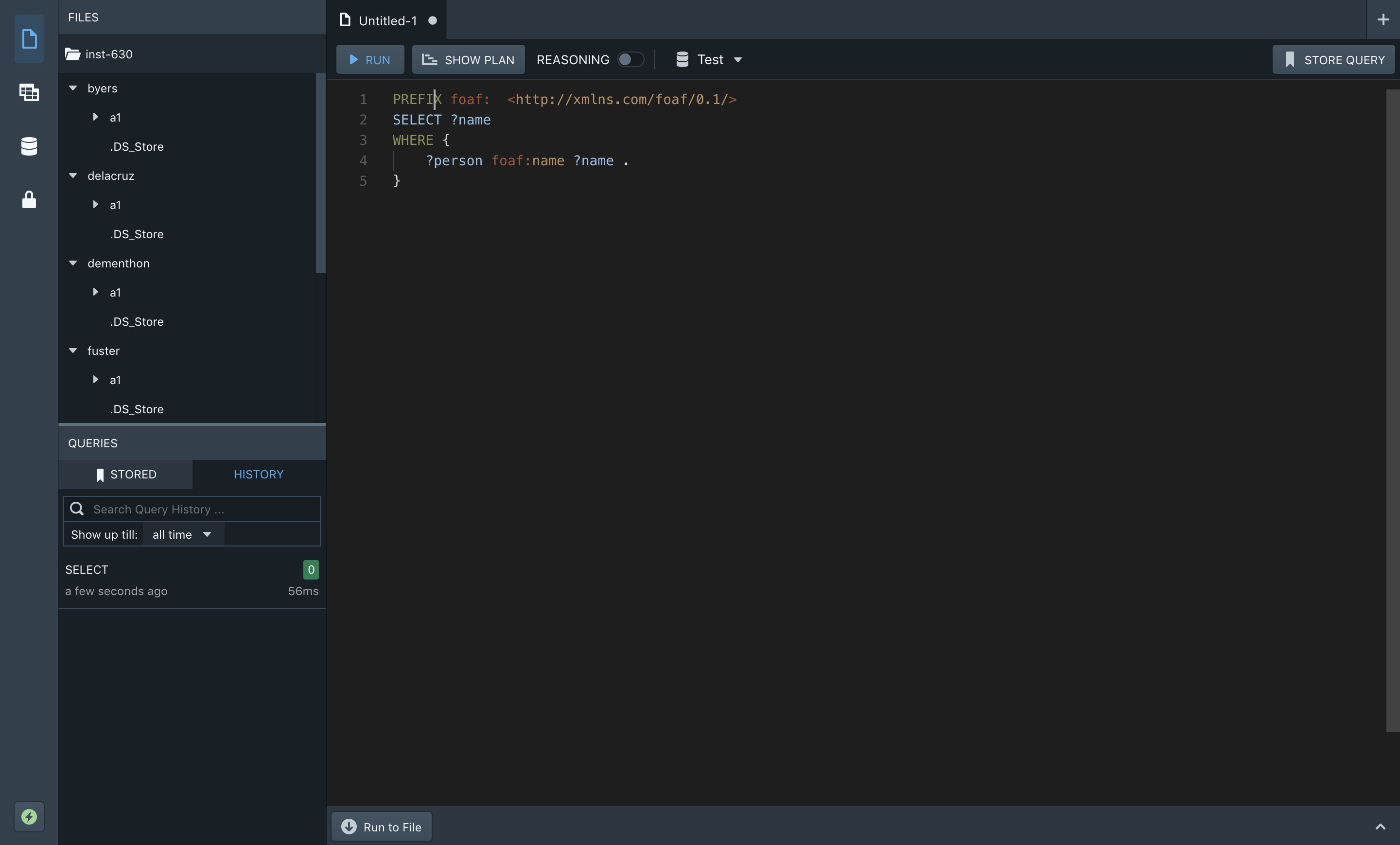
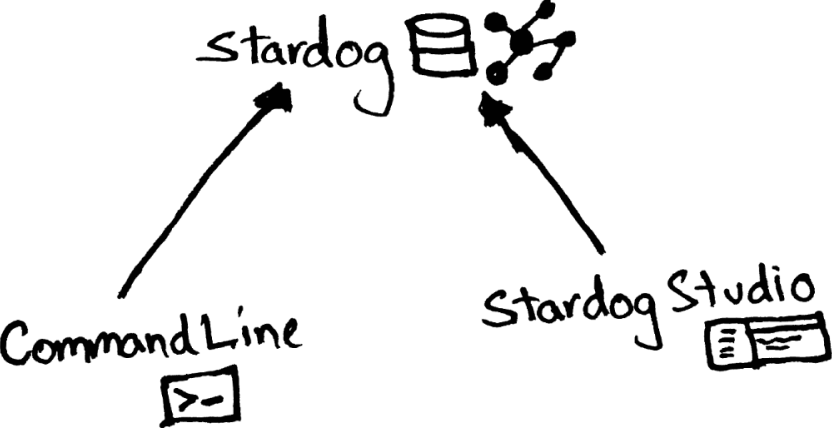
Stardog is a Knowledge Graph data storage and unification platform which uses SPARQL for data querying purposes. Typically, a user would use the Command Line Terminal to query Stardog, but with “Stardog Studio” users can query their Stardog instance using a feature-rich IDE-like desktop application.
The Problem
Stardog Studio’s first release was met with negative user feedback as there was no user-centered process to settle on its design. The release featured a Jupyter-like notebook design, which as it turned out wasn’t how Stardog users preferred using Studio.
The challenge ahead was to ensure that the next iteration of Stardog Studio wasn’t an end-user failure.
How to gather user-data without users?
The tricky part about trying to do user research at a Business-to-Business (B2B) organization is that you have limited access to end-users. This is because clients can be hesitant to give access to their employees to a vendor looking to conduct research.
Due to the sensitive nature of the data that most of Stardog’s client’s deal with, the organization was hesitant to ask its end-users and customers to be open to user testing and interviews.
With some guerilla research!
Here's how I went about solving the lack of research problem, with some inner-company guerilla activity:
I built a working relationship with Customer Success, and they connected me with some end users (albeit after some pestering on my part).
I reached out to the Sales Team to see if they had any customer notes from their calls. Considering the circumstances, this gave me some great initial user-data to work with.
Finally, I managed to get a hold of 3 end-users, through sheer communication and perseverance. Stardog had working relations with a couple of partner organizations, whose employees would use Stardog and/or Stardog Studio regularly.
Sketch Work
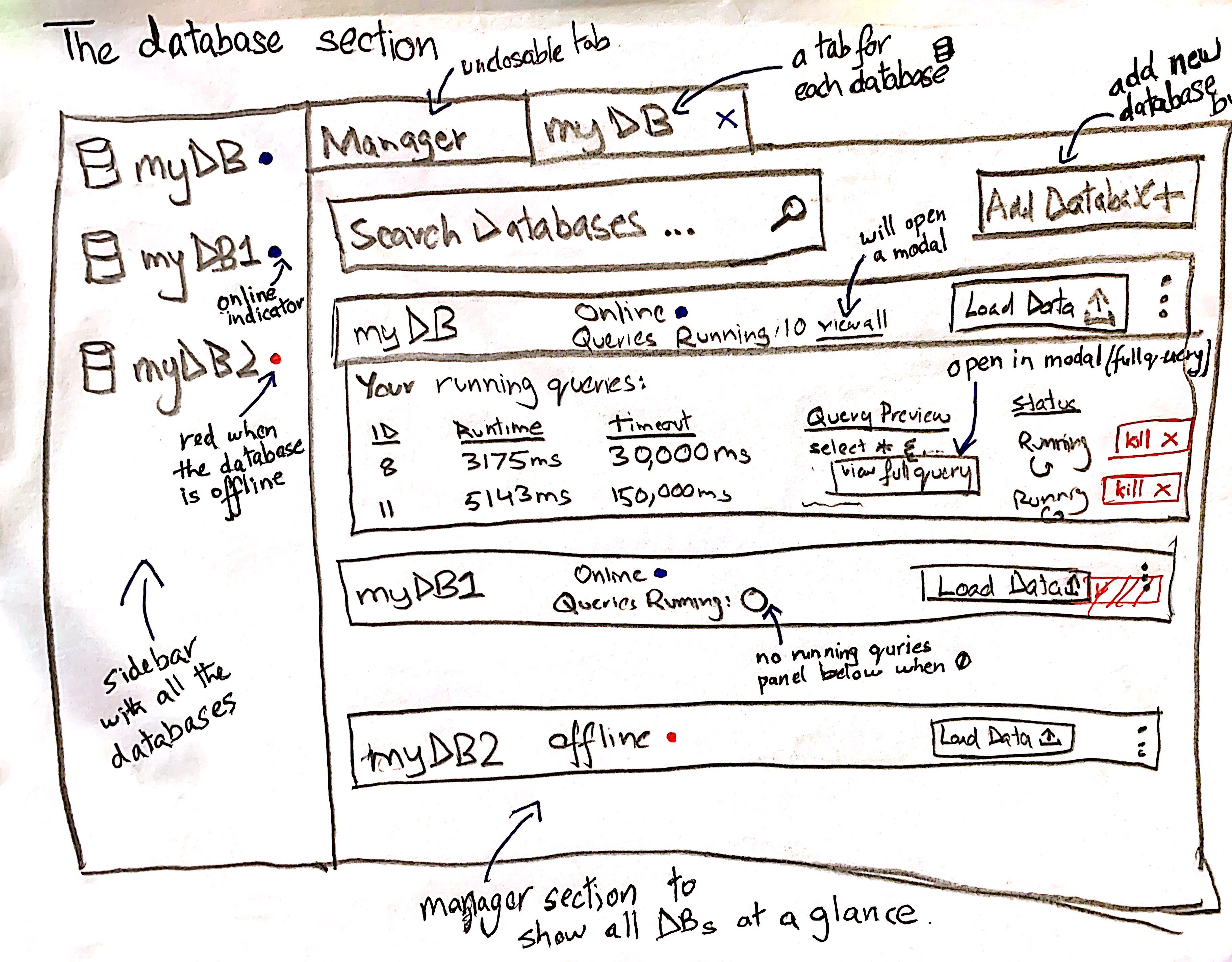
While I was researching I had already started sketching up some design ideas for the IDE. Here's a sample:
Lo-fi Prototypes
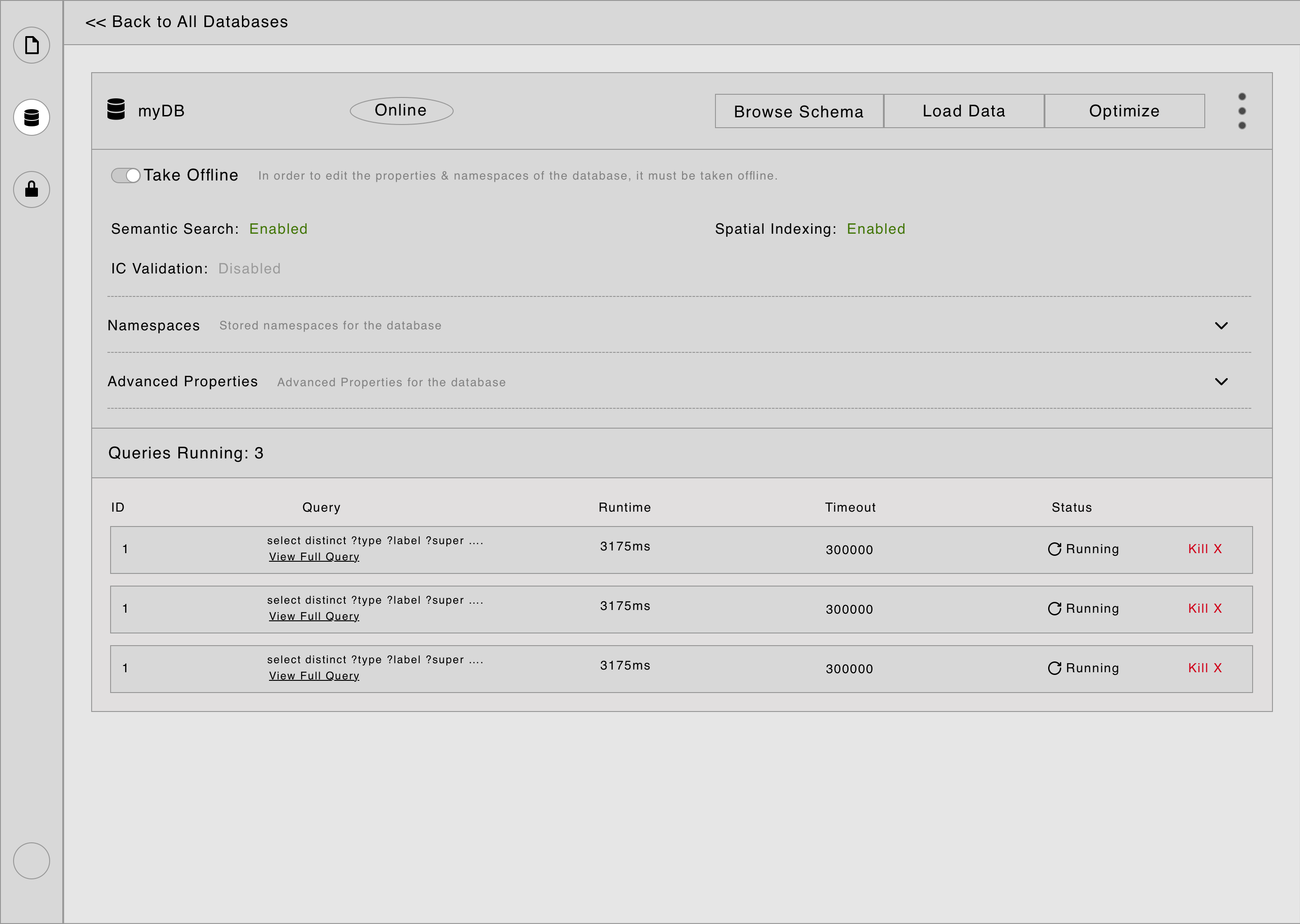
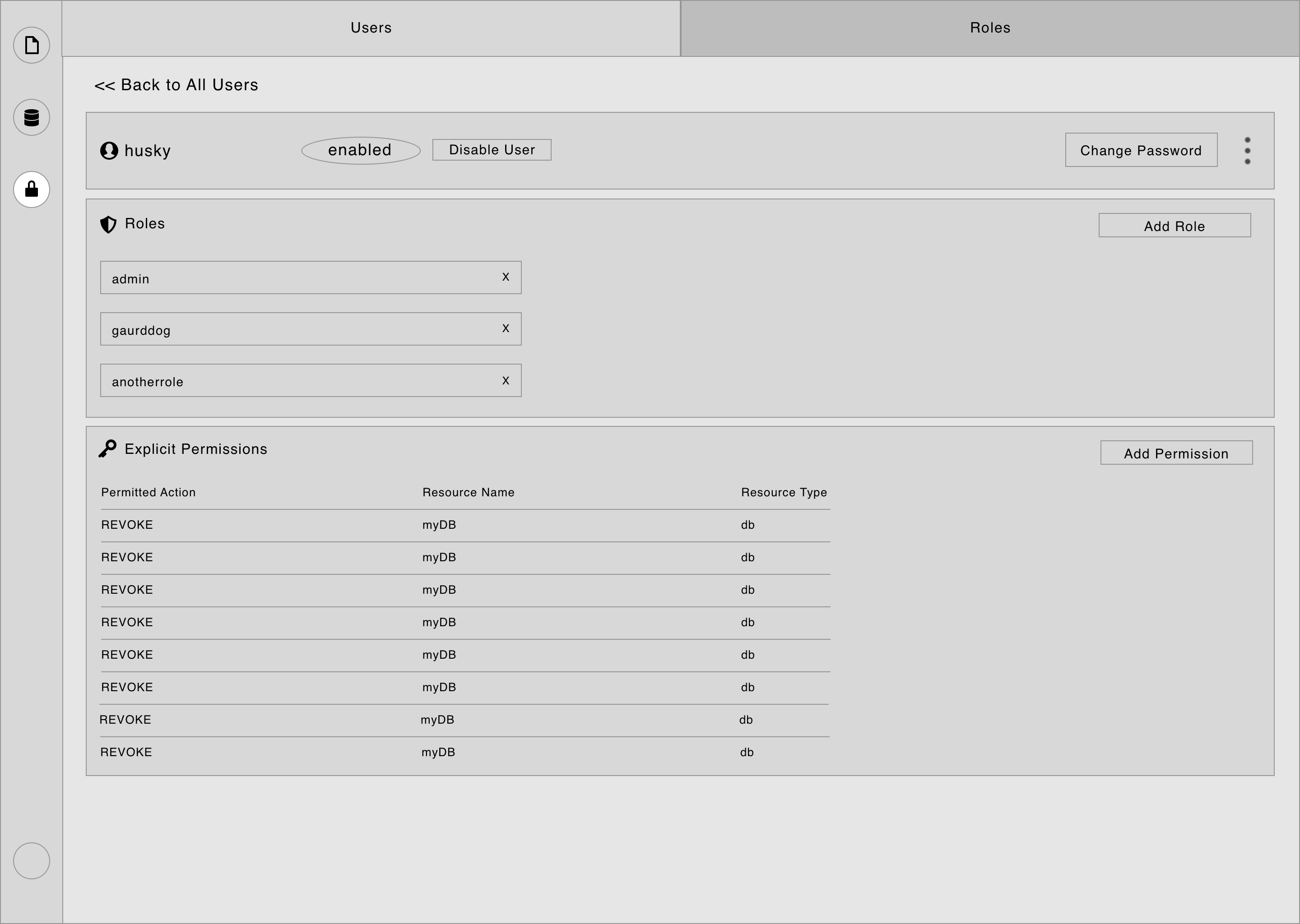
I used one end-user for a user interview to gather some additional user data, and then used that to inform the design of 3 prototypes, each of which asked a broader design question:
Do we want a design with ‘Global’ tabs, and the side navigation only changes the sidebar?
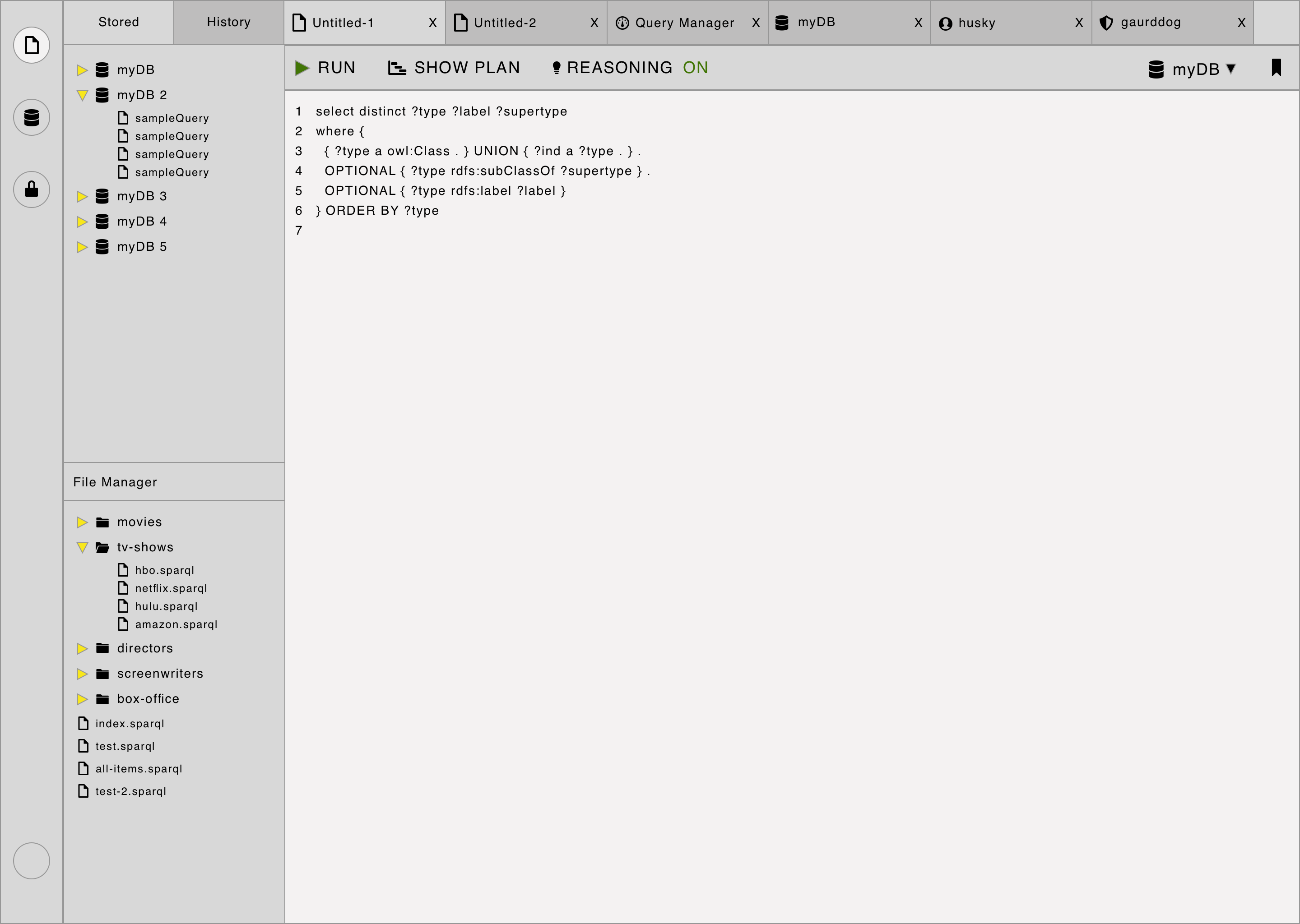
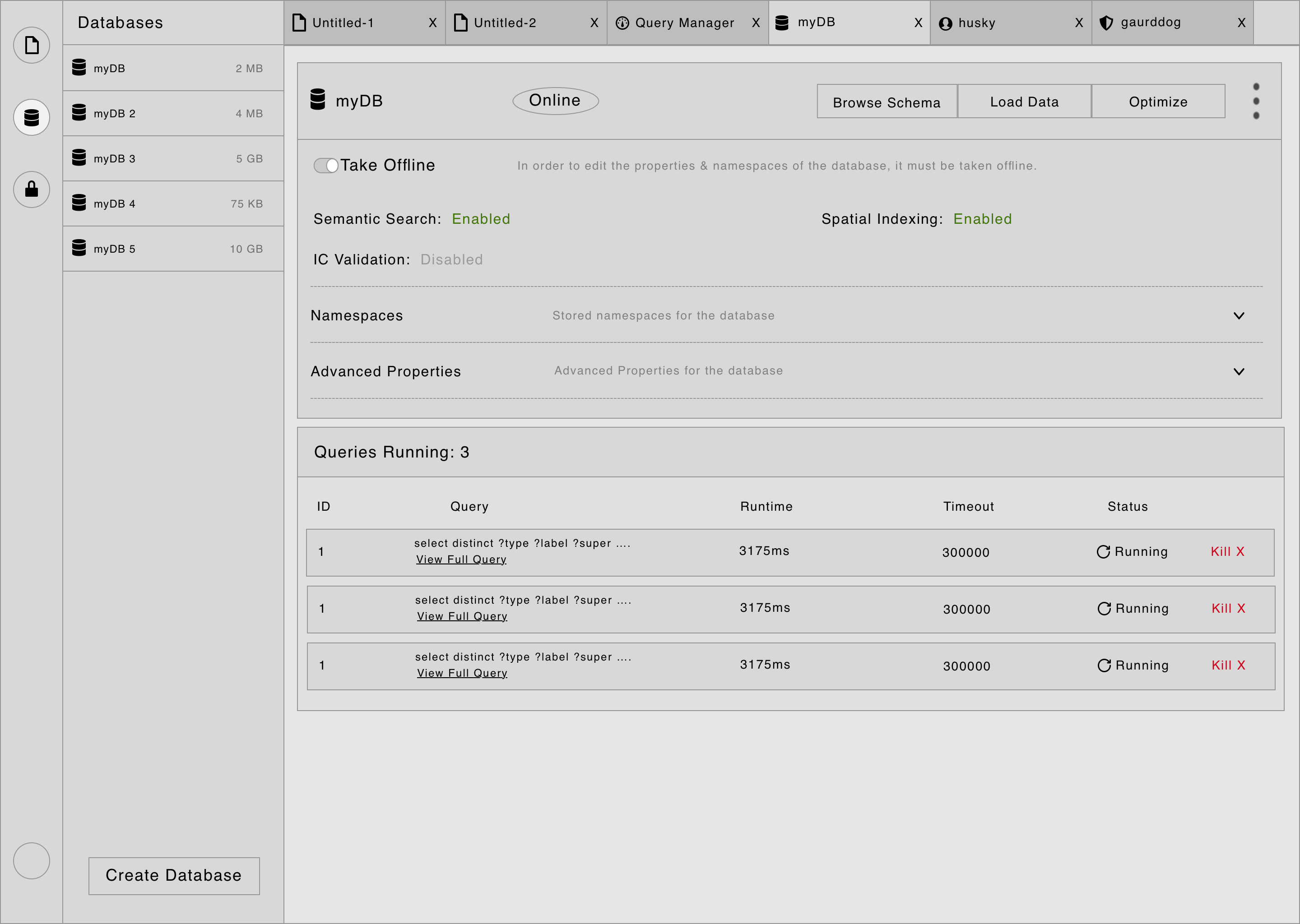
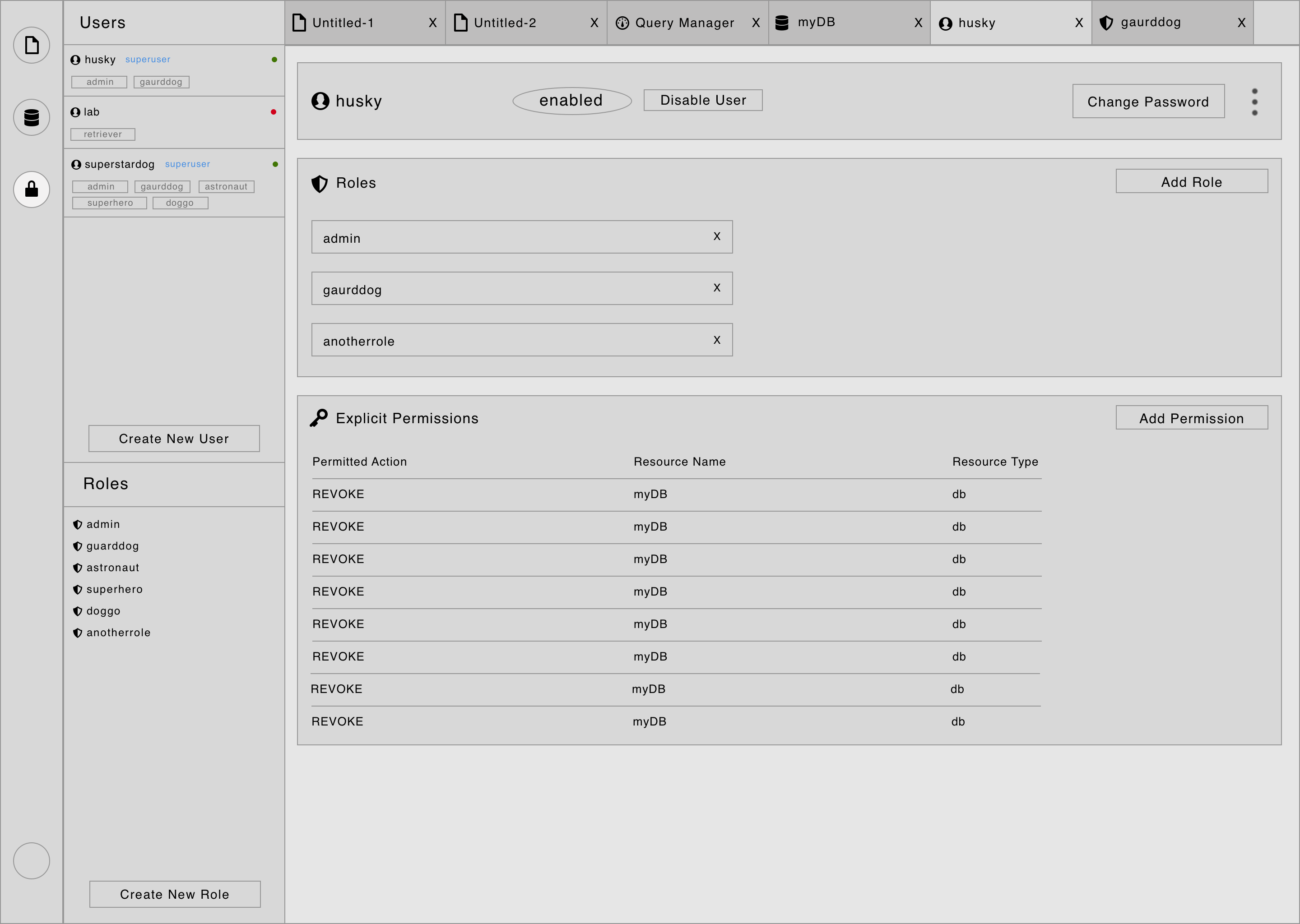
Do we want to divide each main navigation item into a section, and have tabs for each section?
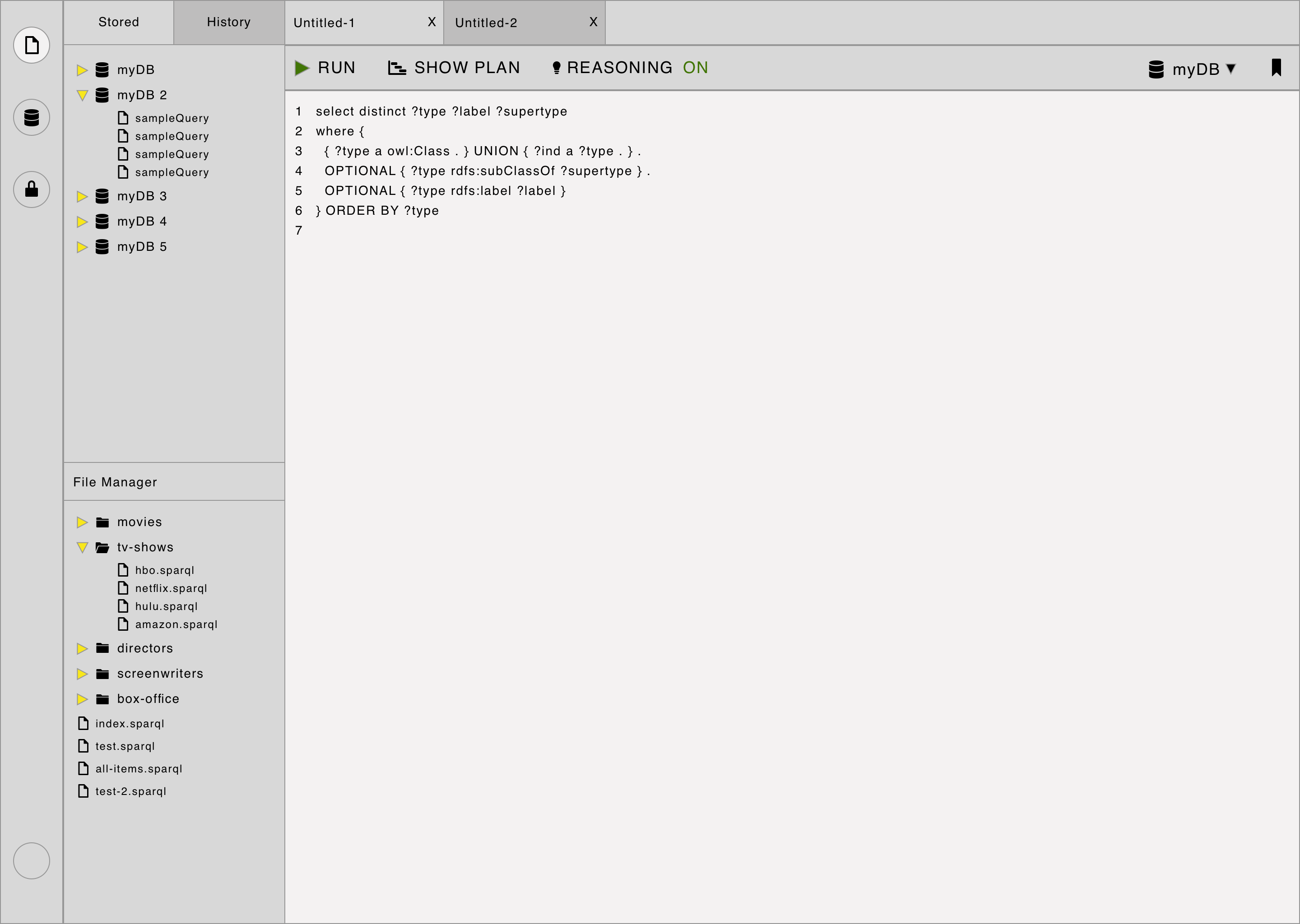
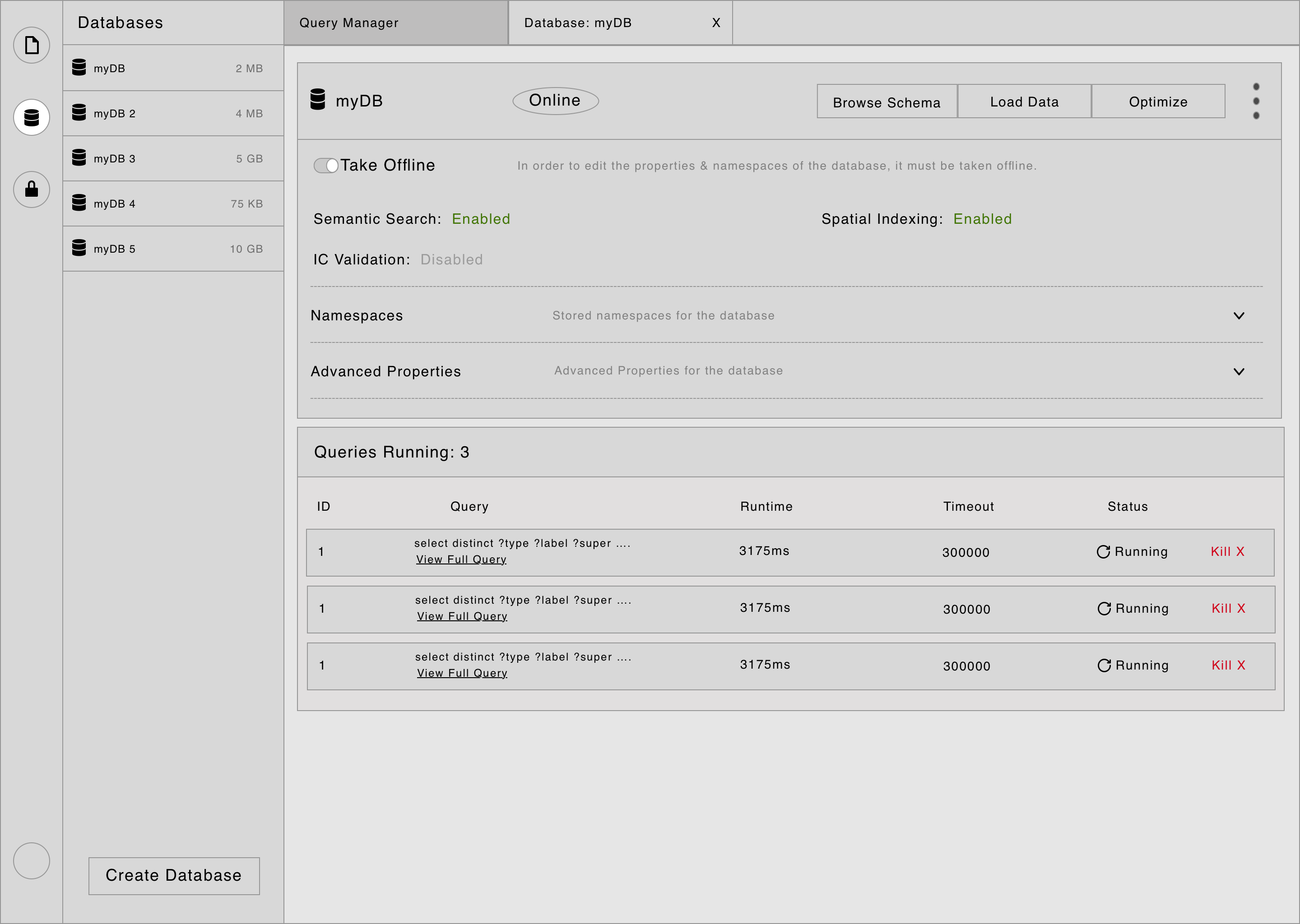
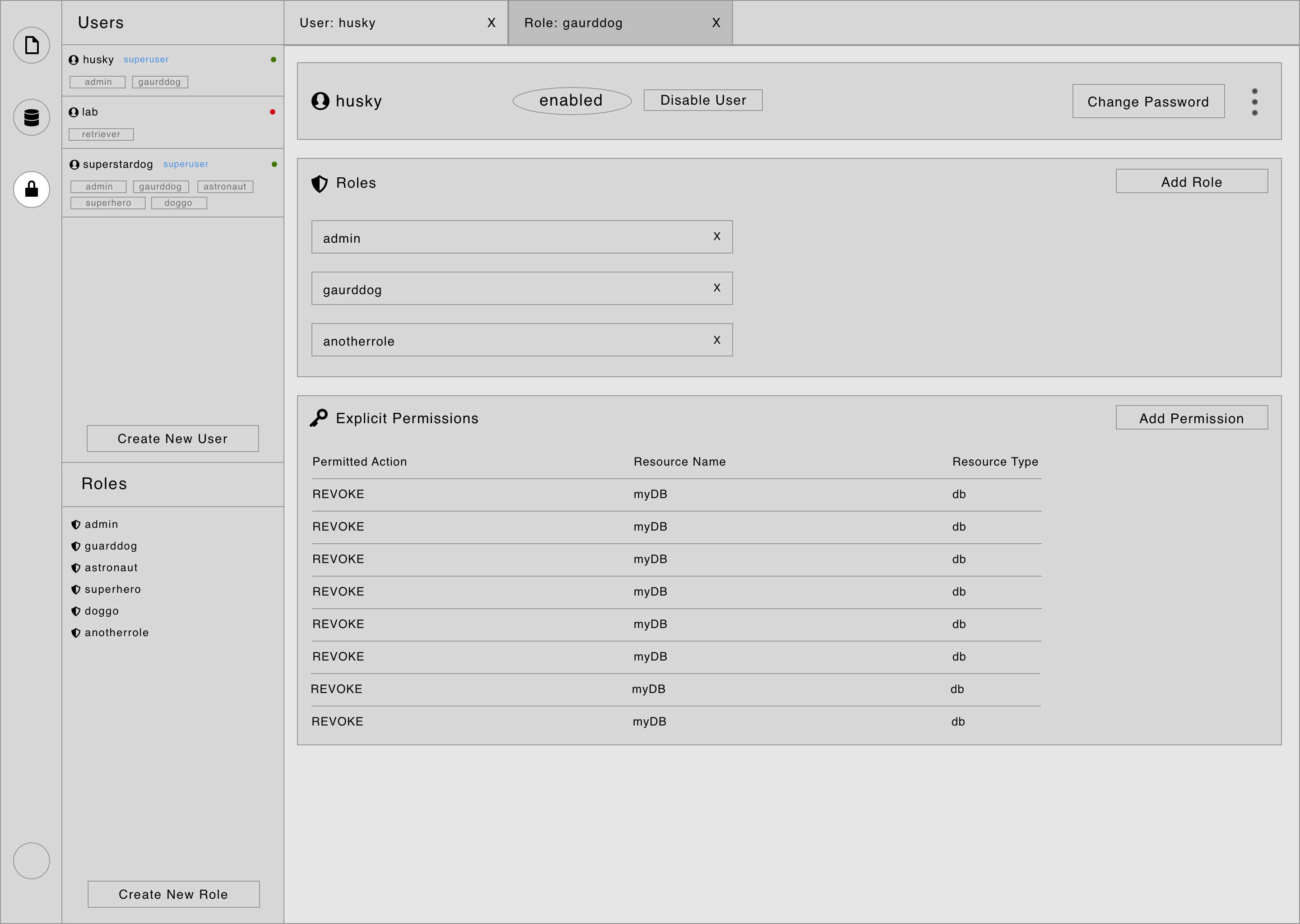
Or do tabs & a sidebar only work for the main IDE-like query writing workspace?
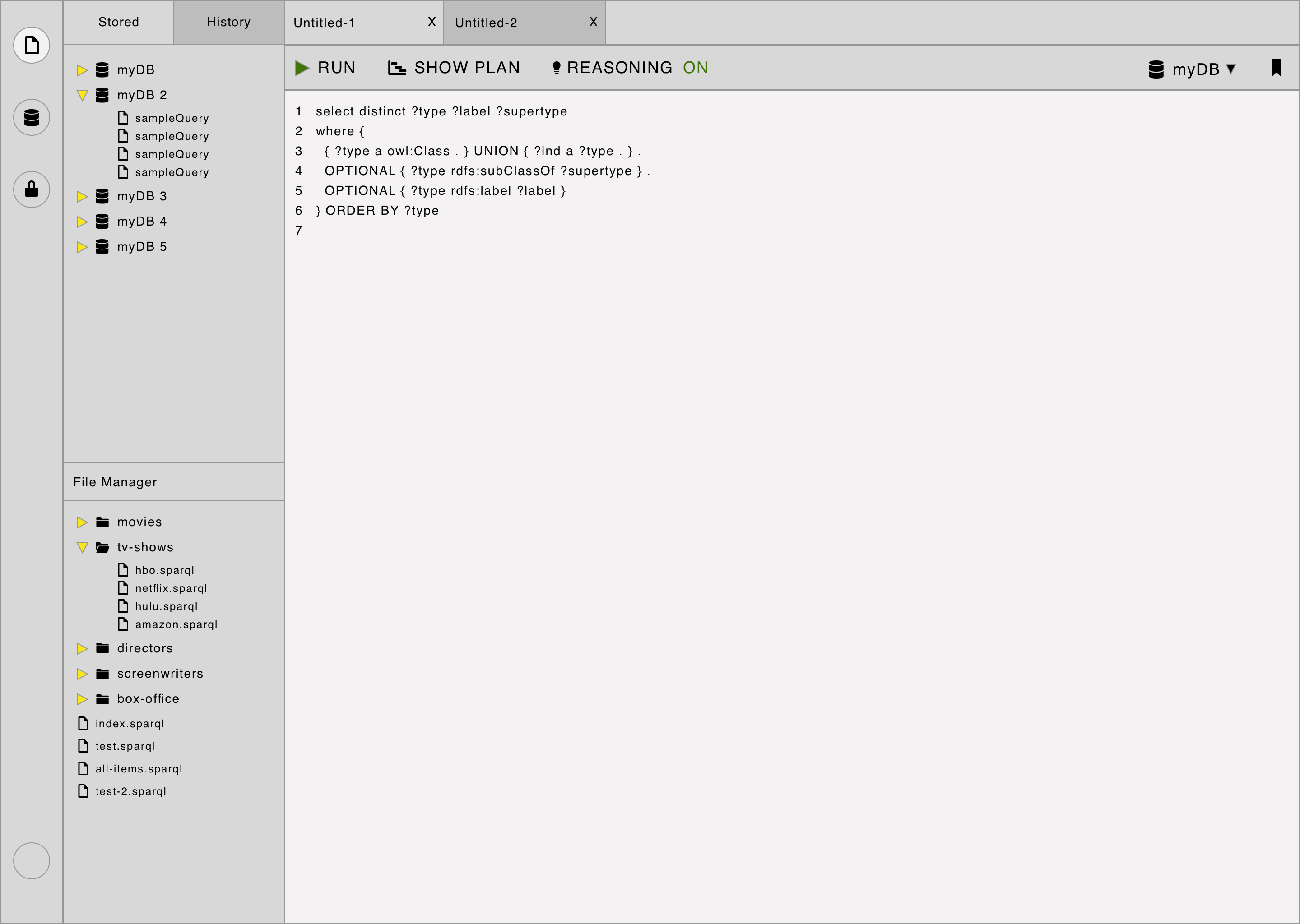
Validating the Designs
I gained validation for which design direction to proceed with by user testing with both internal stakeholders and external users.
There was an almost unanimous consensus that the workspace section would be the only one with tabs. It was also clear that users would prefer to keep the sidebars for each section.
There was some positive feedback about the quick nature of being able to switch from a database to query writing in the global tabs version.
The Final Implementation
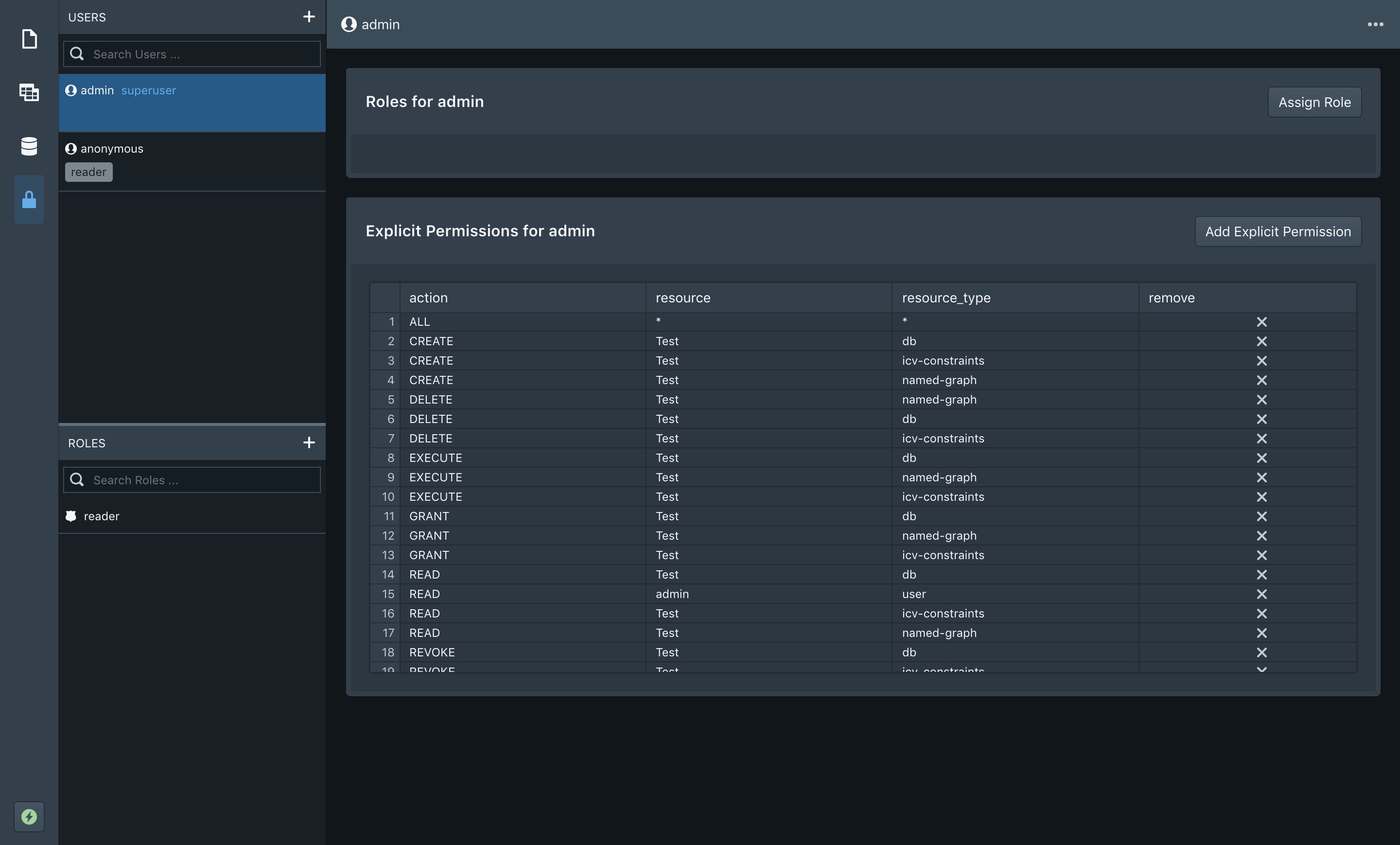
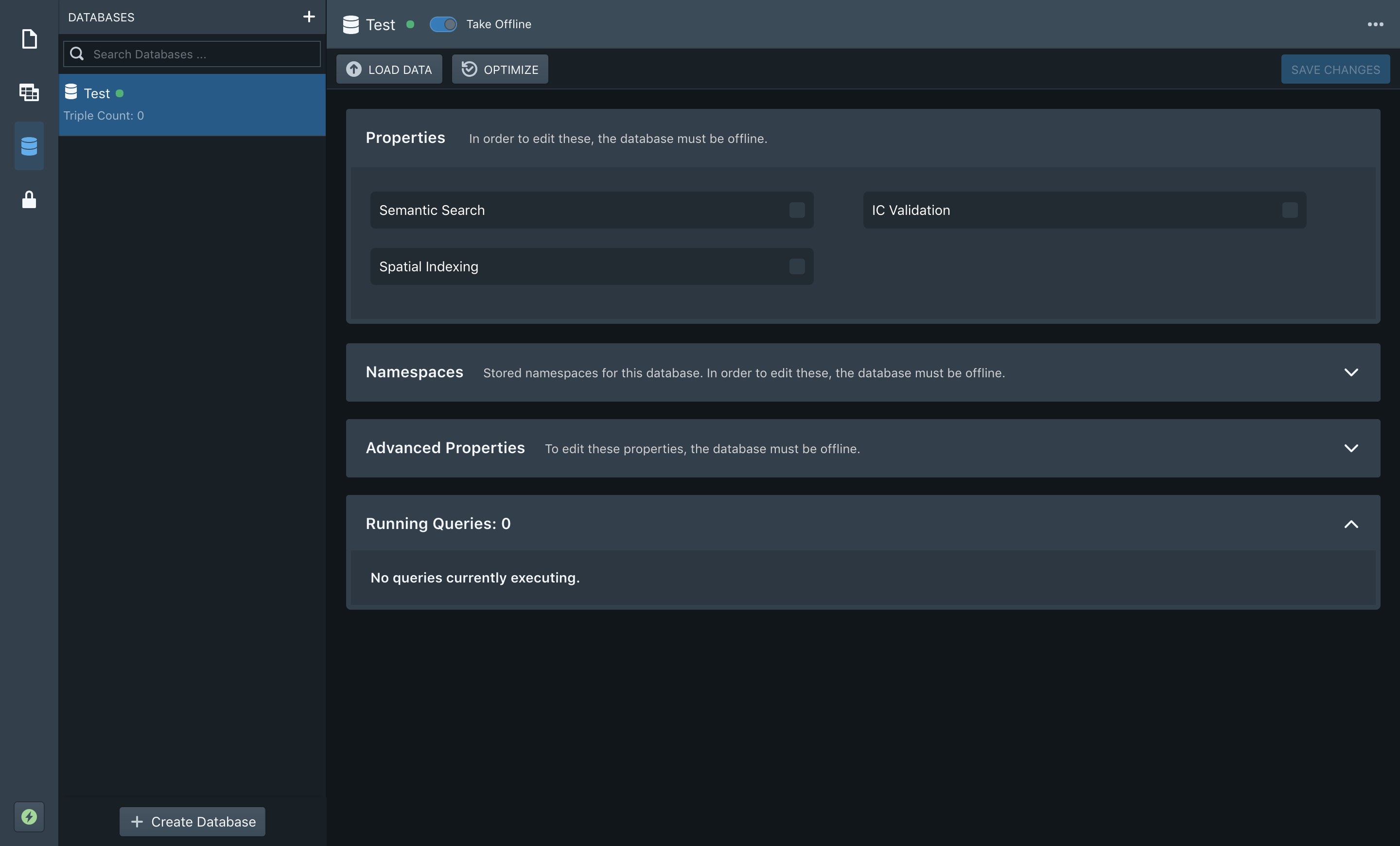
I engineered the UI in an ElectronJS/React/Redux environment, using BlueprintJS for the core design system & SCSS to implement customized styling, as well as developing additional reusable UI components for the application.